
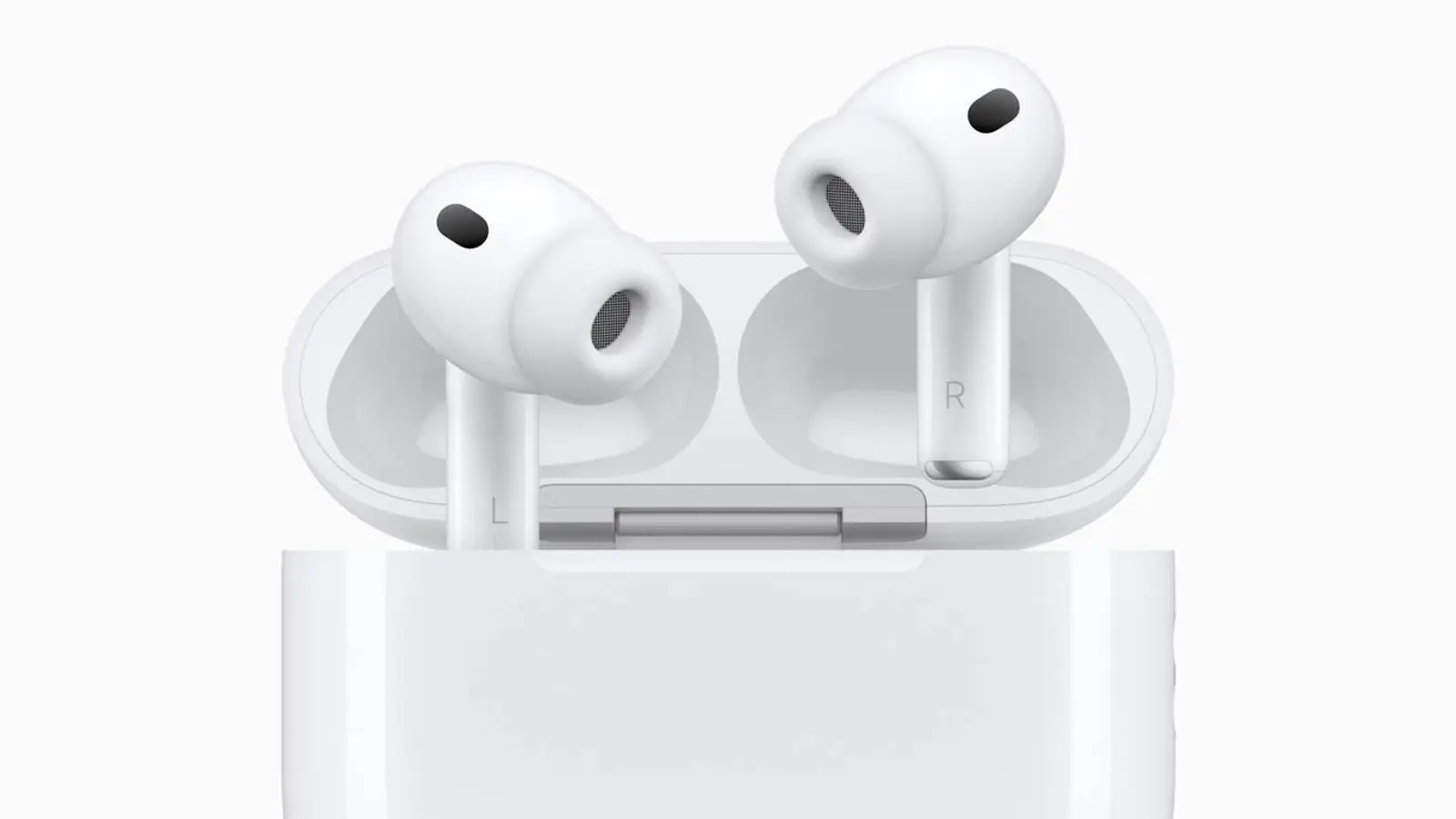
AirPods Pro 3 are Apple’s most capable earbuds to date. They can do far more than you notice at first, and the default setup won’t suit everyone. With some thoughtful tuning, you can refine sound, controls, battery life, and even health features to fit your routine. Here are the essentials to get the most out of them.
Pairing
Initial pairing is straightforward: open the case next to your iPhone and tap the Connect prompt. After a quick confirmation with a tap on the back, the earbuds sync across your Apple devices via iCloud. If automatic switching between iPhone, Mac, and iPad keeps grabbing the wrong device at the worst moment, turn it off in AirPods settings and set them to connect only when they were last used with this iPhone.
Notification readouts
AirPods Pro 3 can read incoming notifications aloud. Handy when the phone isn’t nearby, but it can get intrusive during busy days. In the Announce Notifications section, you can disable readouts entirely or keep them only for the apps that truly matter. Head gestures—like a nod or a head turn—are configurable there as well for quick responses. Keeping this lean helps cut the noise.
Fit and sound personalization
The earbuds include five ear tip sizes. Run the fit test in settings to check the seal. For more precise spatial audio, enable Personalized Spatial Audio: iPhone scans your ears and builds an audio profile that syncs across your Apple devices. It’s a minute well spent for more convincing immersion.
Controls customization
The stems respond to presses and swipes. You can choose what a press-and-hold does—summon Siri or switch noise control modes. Separate actions are available for calls and even iPhone camera control. If swipe gestures false-trigger, say in the rain, disable them in Accessibility. A few tweaks here often prevent everyday annoyances.
Hearing check
AirPods Pro 3 can run a hearing test and, if needed, act as an amplifier for ambient sound. After testing, the feature adapts to your results, boosting exactly the frequencies you perceive less clearly. It’s a pragmatic way to make voices and details easier to catch.
Battery and charging
If you often leave the case on a charger, enable the optimized charging limit. The system learns your habits and eases battery wear over time. The case charges via USB‑C and supports Qi, Qi2, MagSafe, and Apple Watch charging. Versatility here makes topping up less of a chore.
Heart rate tracking
The earbuds can measure heart rate during workouts. If you already wear an Apple Watch, that may be redundant—and it will cost some battery—so you can turn off the heart-rate sensor in AirPods settings. For many, that’s a sensible trade-off.
Real-time translation
Live translation lets you converse in another language in real time. Download language packs in advance; then press and hold both stems to start translating a dialogue. When traveling or hosting guests, this can be a quiet lifesaver.
Sleep detection
Built-in sensors detect when you fall asleep. If you tend to drift off to music or podcasts, enable automatic pause on sleep for a gentler end to your queue and a bit of saved battery.
Beta firmware
Enthusiasts can install AirPods beta firmware to try new features early, but there’s a real chance of bugs and no easy rollback. It’s only for those ready to experiment—and using the iOS beta already.
AirPods Pro 3 aren’t just earbuds; they’re a flexible tool that shines with careful setup. Invest a bit of time in the options that match your habits, and the day-to-day experience becomes noticeably more comfortable and personal.