
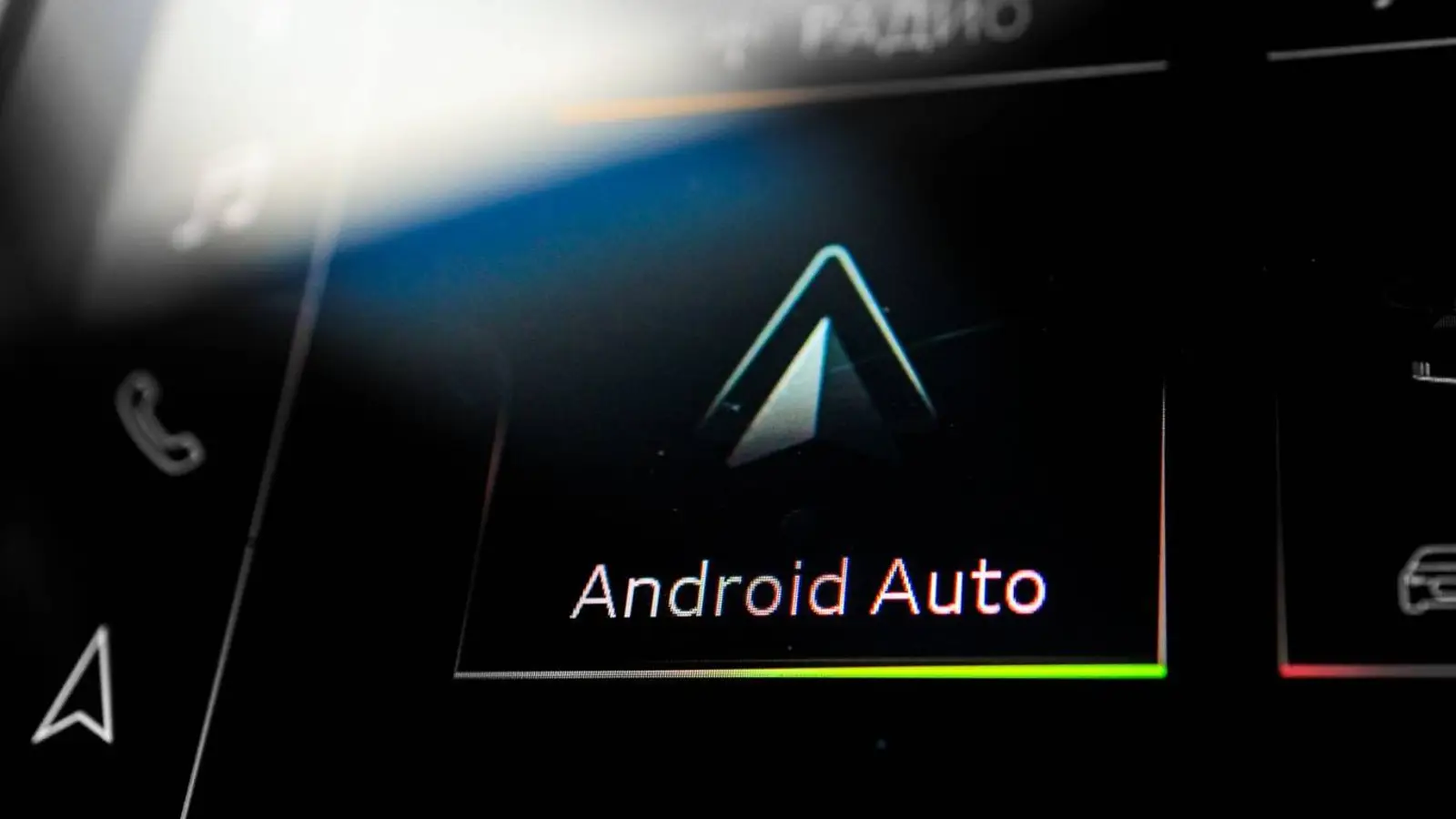
A new annoying bug has been discovered in Android Auto that could confuse drivers during navigation. Users report that in Google Maps, the car icon or arrow indicating the current position on the map suddenly disappears. However, the navigation itself continues to work: the route updates, turns are displayed correctly, and traffic data remains in place.
The issue is being actively discussed on Reddit and other forums. According to users, the map moves as if everything is normal, but without a visual marker, it becomes difficult to orient oneself quickly. While driving, this forces drivers to look at the screen longer, which potentially reduces safety.
The bug is most often noticed by those who changed the standard arrow icon to alternative icons in Google Maps. However, there are also reports that the error occurs even when using the standard view, indicating a deeper problem in the Android Auto interface rather than a specific setting failure.
In many cases, the icon disappears after Google Maps temporarily goes into the background. This can happen when launching a music app, switching to the car's native multimedia system, or switching between Android Auto apps. After returning to navigation, the route is displayed, but the icon does not reappear.
For some, restarting Android Auto or reconnecting the smartphone helps, but the solution works inconsistently. Based on the timing of the complaints, users link the bug to the Android Auto version 16.1 update, which began rolling out at the end of last week. Google has not officially acknowledged the problem yet, but given its nature, a fix could be released fairly quickly.