
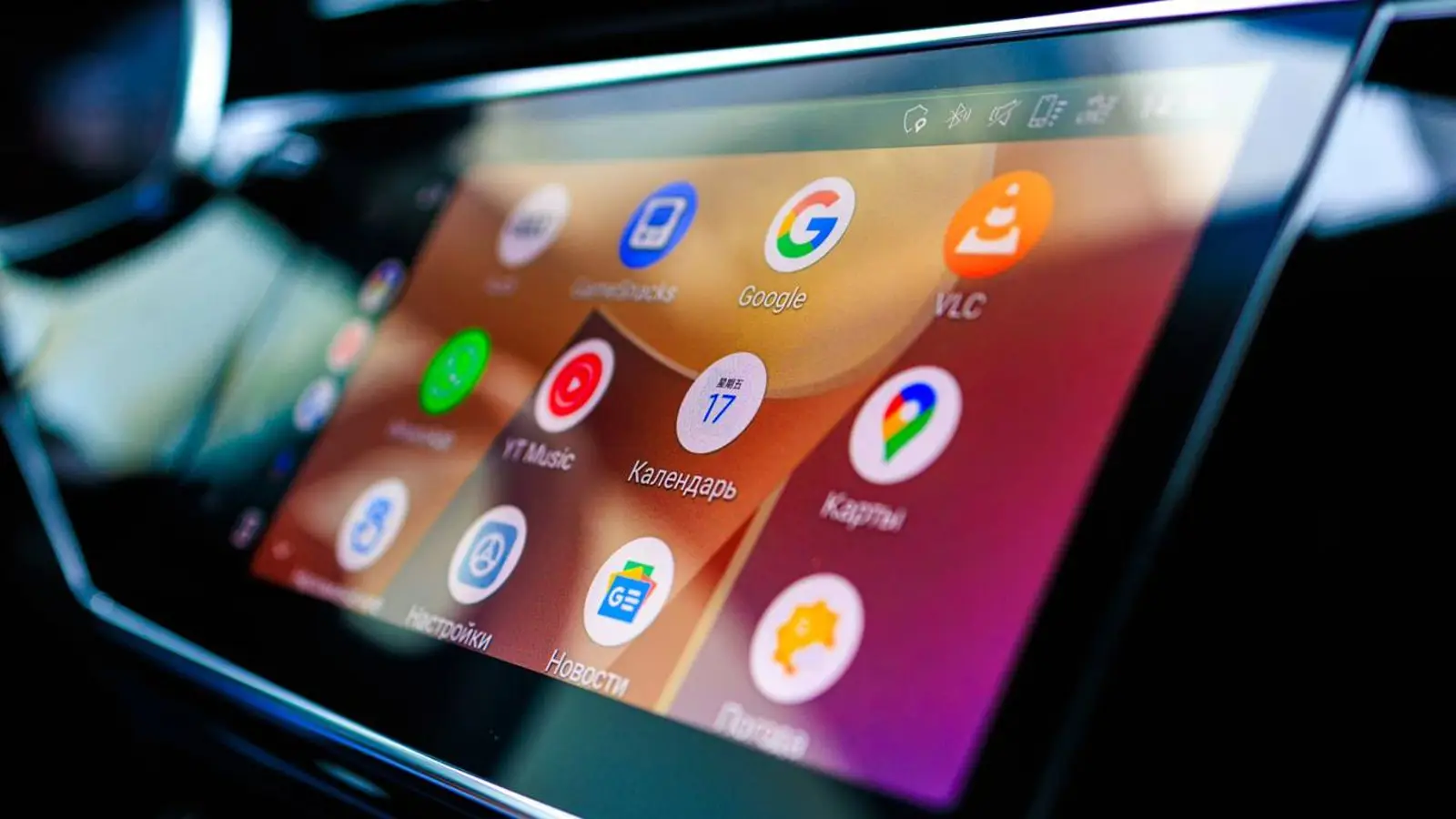
Google has begun rolling out Android Auto 16.1 widely, bringing a fix for one of the most frustrating issues in recent weeks. After version 16.0 launched, many users found that the steering wheel media controls stopped working, forcing them to look at the touchscreen instead. Android Auto 16.1 finally resolves this bug.
The cause of the failure turned out to be elements of the new Material 3 Expressive visual style, which Google had cautiously started integrating into the Android Auto media player. With the fix, developers essentially rolled back the updated design to its previous state, acknowledging that the new interface needs more work before a full release.
However, the relief from the fix was short-lived. With the release of Android Auto 16.1, users have started reporting a new bug in Google Maps. Navigation continues to work and routes update correctly, but the car icon or arrow showing the current position suddenly disappears. The issue most often appears after switching between apps within Android Auto.
On top of this, an error with Gemini Live has resurfaced. The assistant might start responding to a query, then suddenly cut itself off and switch back to listening mode, reacting to its own speech. This glitch effectively breaks voice control, which is particularly annoying while driving.
Google is already testing Android Auto 16.2. Code analysis shows the company continues working on integrating radio station and climate system controls, and is experimenting with the ability to stream content to the car via Google Cast. When these features will appear in a stable version remains unclear, but Google has a few weeks to address the new bugs and polish the system.