
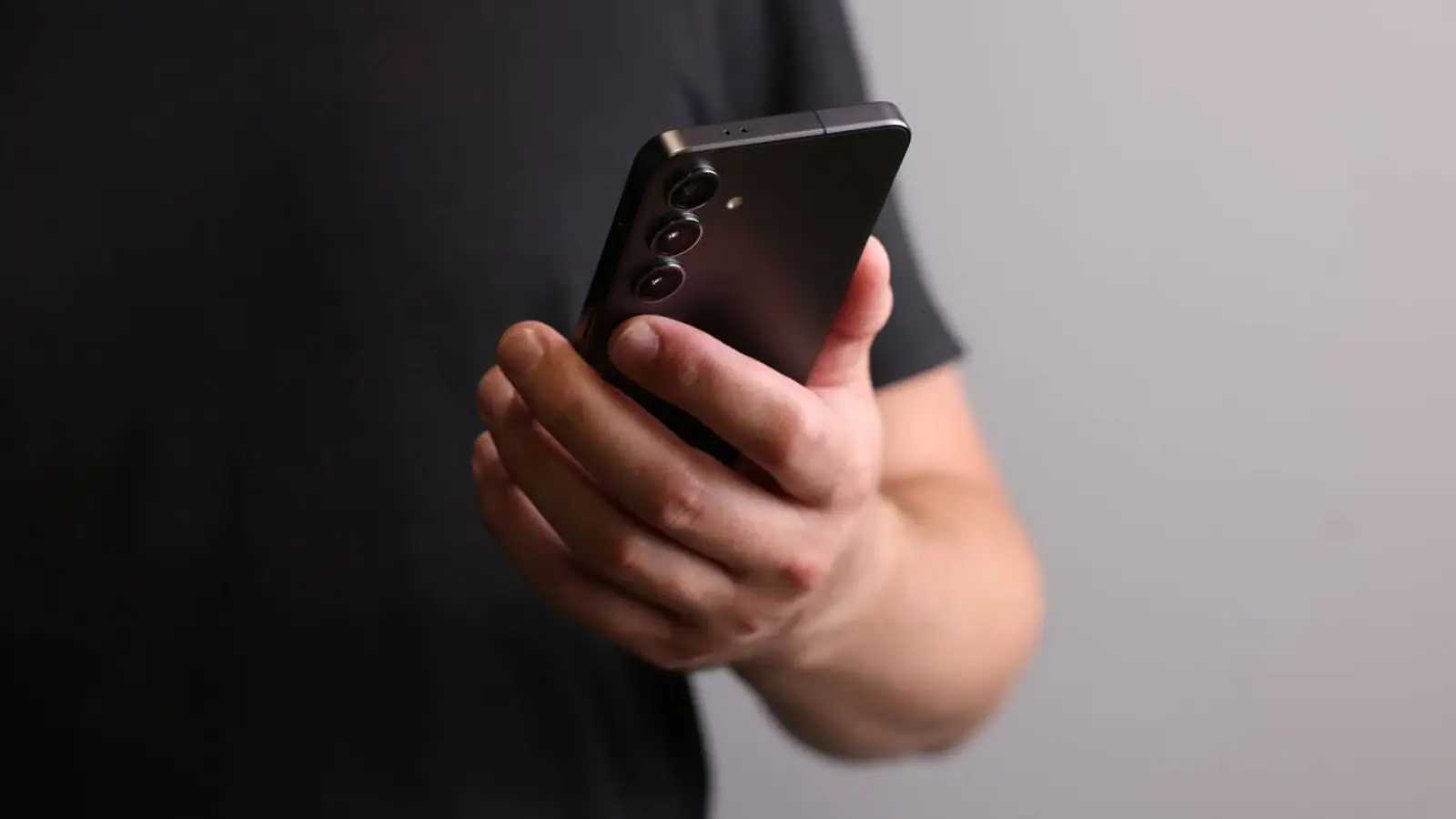
Samsung has introduced a small but significant change in One UI 9 that could make life harder for Galaxy smartphone thieves. This isn't about a flashy AI feature or a new interface; it's about how the power menu behaves—the very place a thief might first go to turn off a stolen device and prevent tracking.
In One UI 9, the power menu looks the same: users see options for power off, restart, emergency call, and medical info. But now, after exiting this menu, the phone doesn't return to the open app or home screen. Instead, it goes straight to the lock screen. In other words, as soon as someone brings up the power menu and closes it, further access to the device requires a PIN, password, fingerprint, or facial recognition.
This change is especially important for street theft scenarios, where the phone is snatched while unlocked. Previously, a thief could quickly try to turn off the phone to complicate tracking via find-my-device services. With One UI 9, simply accessing the power menu triggers a lock, making the device inaccessible without the owner's authorization.
Samsung isn't the first to move in this direction. iPhones already require a password or Face ID to fully power off in certain protective scenarios, and Google keeps adding more anti-theft mechanisms to recent Android versions. Since One UI 9 is based on Android 17, the new Galaxy behavior fits a broader trend: smartphones should protect data not just after a theft, but also in those first seconds when the device might still be unlocked.
Interestingly, Samsung has barely mentioned this feature publicly. Amid the major announcements, One UI 9 seems like a fairly light update compared to One UI 8.5, so practical changes like this can be easy to miss. But they often matter more than flashy features: the automatic lock after accessing the power menu requires no setup, doesn't interfere with normal use, and can kick in at the moment when the owner no longer has access to the phone.
For Galaxy users, this is a good example of quiet security. The feature doesn't make the phone invulnerable, but it closes one obvious path for thieves and increases the chances of protecting data, accounts, and the ability to locate the device after a theft.