
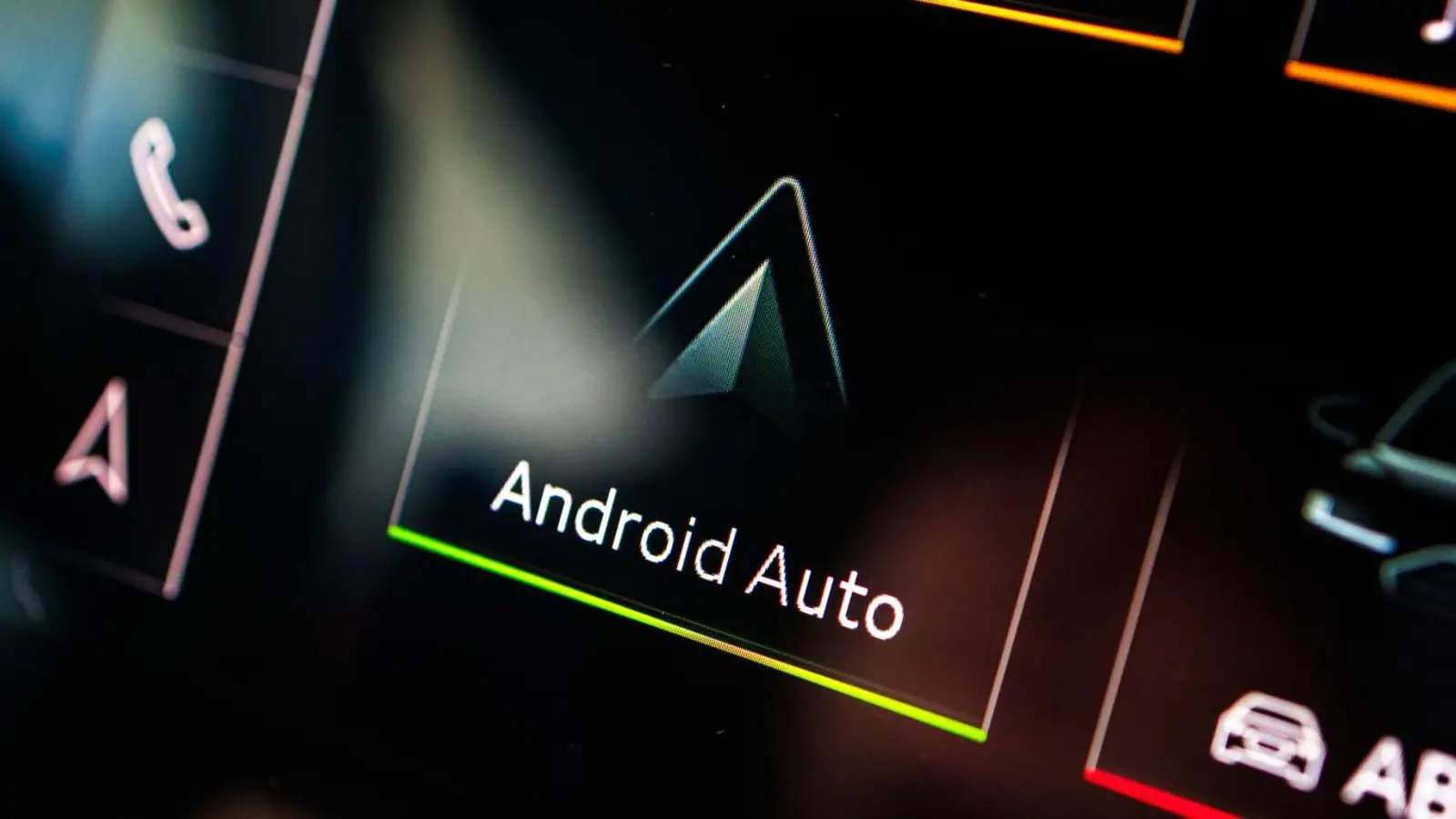
Adobe Acrobat has made an unexpected appearance on Android Auto. At first glance, a PDF reader seems like an odd addition to a platform typically focused on navigation, music, calls, and messaging. Yet the latest version of Acrobat could prove useful, thanks to its text-to-speech feature.
The Android Auto support arrives with Acrobat version 26.5.0.45958. Once installed, the app shows up on the car’s display as a notification and appears in the list alongside other compatible services. The interface is tailored for driving, functioning more like a media player than a straightforward PDF viewer.
The key appeal here is the Read Aloud function. It converts PDF content into an audio stream, letting users listen to documents rather than read them. This can come in handy for books, work documents, study materials, or any file you want to go through on the road without looking at the screen.
In that sense, Acrobat fits into Android Auto’s growing productivity trend. The platform is no longer just for music and navigation; recent additions like Google Meet show a push toward safer handling of work tasks during drives. A read-aloud PDF follows the same logic but in a calmer, less distracting way.
The feature doesn’t work with every PDF, though. A brief test found that some files aren’t compatible with audio playback. When a file works, Android Auto displays a familiar media player with playback controls. That makes Acrobat a niche tool, but a potentially convenient one for those who regularly deal with documents and want to make better use of commute time.