
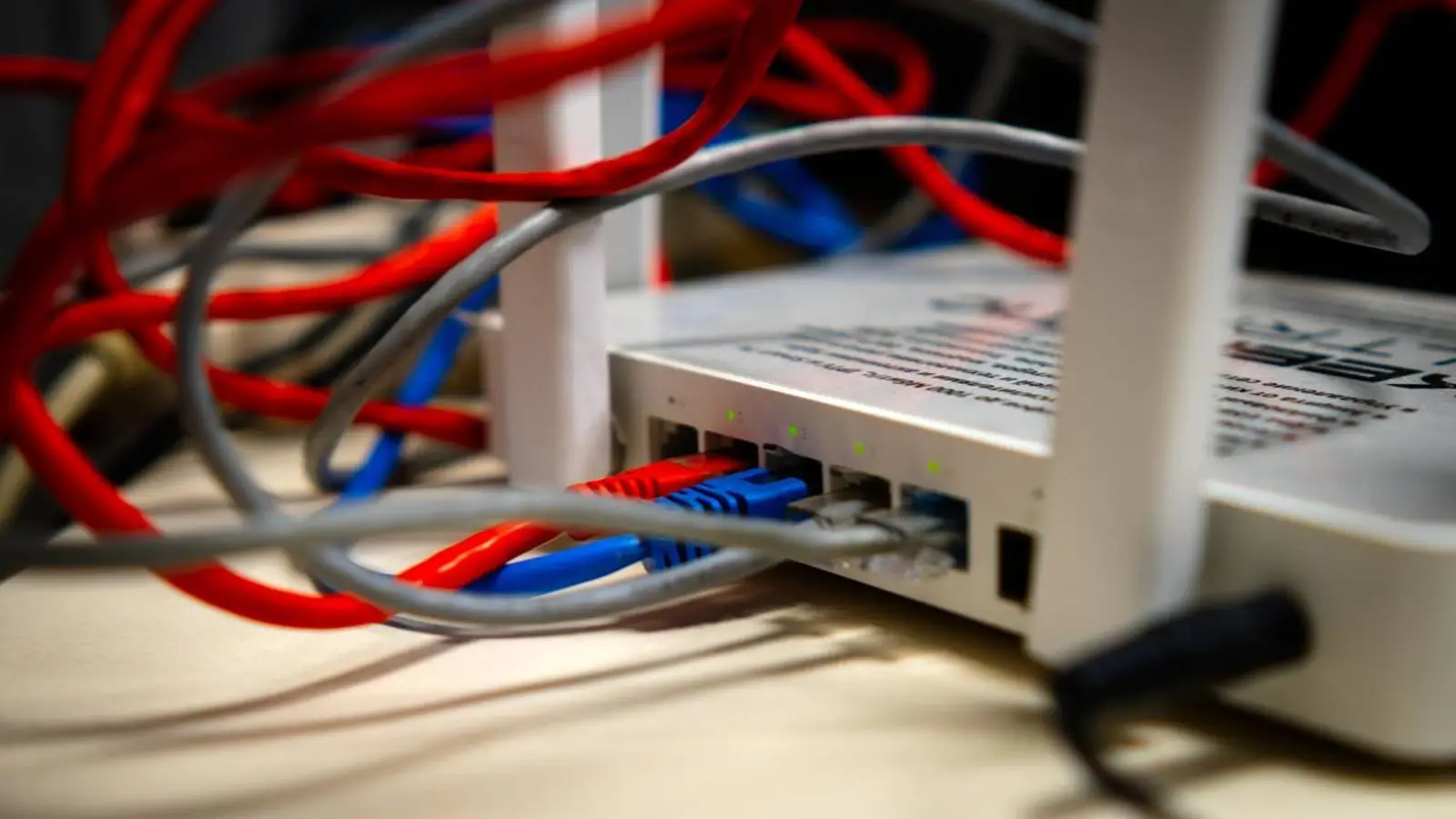
Few people read a router manual from cover to cover. Most users connect the device, set a network name and password, and move on. The sections about placement and antenna orientation are often ignored.
That can be a mistake. Router placement and antenna orientation affect signal strength, coverage and the number of dead zones. A router hidden behind a TV, placed inside a cabinet or left in a corner may perform far worse than the same model in an open, central position.
Why antenna direction matters
Most adjustable external router antennas are broadly omnidirectional, but they do not radiate equally in every direction. A typical rod antenna sends its strongest signal perpendicular to its axis. With the antenna vertical, coverage is concentrated mainly across the horizontal plane.
This makes a vertical position a sensible starting point in an apartment or single-storey home. Tilting or rotating an antenna changes the radiation pattern and can sometimes improve links to devices on another floor or with differently oriented antennas. The advice mainly applies to routers with movable external antennas; internal arrays and beamforming systems may behave differently.
How 2.4, 5 and 6 GHz differ
2.4 GHz usually reaches farther and copes better with walls, but it offers lower speeds and is often more crowded. It remains useful for distant rooms, sensors, cameras and smart-home devices.
5 GHz provides higher speeds at shorter range, while concrete, metal and distance weaken it more quickly. The 6 GHz band used by Wi-Fi 6E and Wi-Fi 7 offers wide channels and less legacy interference, but it also loses strength rapidly through obstacles.
Best antenna position in an apartment
For a flat or single-level house, start with all external antennas vertical. This generally spreads the signal across the same level as phones, laptops, TVs and consoles.
In a long or irregularly shaped home, leave most antennas vertical and try tilting one. Do not point the antenna tips directly at a device as if they were spotlights: the strongest region is around the side of a typical rod antenna, not straight off its end.
What to try in a multi-storey house
In a two- or three-storey building, a mixed arrangement may work better. Keep some antennas vertical and tilt or rotate one or more others. There is no universal angle, so test several positions and judge them by real performance in the rooms that matter.
Where to place the router
A central, open and elevated position usually matters more than a small antenna adjustment. Avoid the floor, closed cabinets, the space behind a TV and locations next to large metal objects.
A router near an outside wall wastes part of its coverage outdoors or in neighbouring areas. Even moving it a few metres toward the rooms where devices are used can produce a noticeable improvement.
What blocks or interferes with Wi-Fi
Microwave ovens can disturb 2.4 GHz connections while operating. Metal appliances and doors can reflect or shield radio waves, while large aquariums absorb part of the signal. Thick concrete walls, mirrors, Bluetooth devices, baby monitors and crowded neighbouring networks can also reduce stability.
How to check the result
Compare speed and stability before and after each change in several rooms, not only beside the router. Look for smoother video calls, fewer buffering pauses and fewer drops to mobile data. Wi-Fi analyser apps can also reveal weak areas and busy channels.
When repositioning is not enough
Large homes and buildings with thick walls may need additional access points or a Mesh system. Mesh nodes should still be placed where they receive a strong link from the main router or another node.
Bottom line
Start with vertical antennas in a single-level home and test a mixed arrangement across several floors. Keep the router central, open and away from major obstacles. A few minutes of experimentation can improve Wi-Fi more than changing the tariff or immediately buying a new router.