
Many people know this charging trick: when a phone is nearly empty and there is little time near an outlet, switch on airplane mode. The logic sounds convincing: the device stops working with the mobile network, some wireless connections and background tasks are disabled, and more power should reach the battery.
Technically, the idea works. A phone can charge a little faster in airplane mode, but the key word is “little.” In practice, the gain is often too small to justify cutting the phone off from calls, messages and the internet.
What airplane mode actually does
Airplane mode was created for use on aircraft. It temporarily disables the cellular connection, mobile data, Wi-Fi and Bluetooth. Depending on the phone and its settings, some connections can be turned back on manually.
During charging, the phone spends less energy searching for a network, transferring data, syncing services and receiving notifications. A slightly larger share of the incoming power can therefore go into the battery, but the effect remains limited.
Why the improvement is small
A modern smartphone still consumes energy while idle. It maintains a link with a cell tower, receives notifications, syncs cloud services and runs background tasks. Airplane mode removes part of that load.
However, current phones already manage power efficiently. With the screen off and no demanding apps running, standby consumption is relatively low. The gain is usually measured in minutes and depends on the model, battery size, signal quality, charger output and temperature.
The main drawback: the phone becomes unreachable
The problem is not that airplane mode is useless. The problem is the price of a small gain. While it is enabled, the phone may miss an urgent call, a bank alert, a taxi update, a courier message or a note from family or colleagues.
It makes the most sense in rare situations, such as a place with very poor reception where the phone constantly searches for a network, or during a brief stop at an outlet when every percentage point matters.
What really speeds up charging
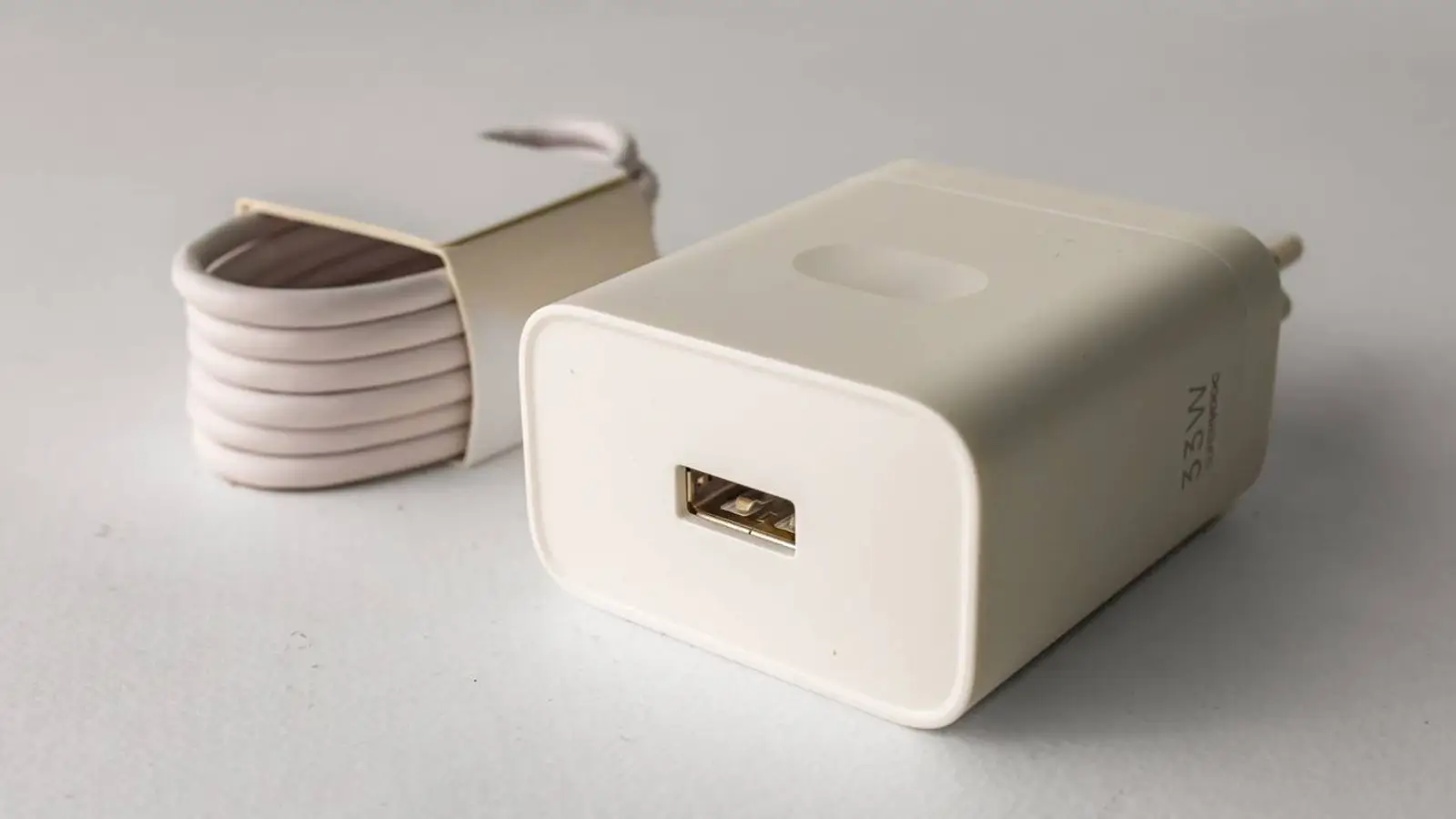
For a noticeable reduction in charging time, the first thing to check is the power adapter. Many phones support fast charging, but an old or underpowered charger cannot provide it.
Apple says iPhone 8 and later can reach about 50% in roughly 30 minutes with compatible equipment. Earlier models use a USB-C power adapter of at least 18W with a USB-C to Lightning cable, while iPhone 15 and later use USB-C. iPhone Air and iPhone 17e are rated for about 50% in 30 minutes with a 20W or stronger adapter.
Android phones follow the same basic rule. Samsung, for example, offers a 60W USB-C adapter for Galaxy S26 Ultra with USB Power Delivery 3.1 support. Galaxy S26+ supports up to 45W wired charging, while the standard Galaxy S26 supports up to 25W.
The adapter, cable and phone must support a compatible charging standard. A high wattage number alone is not enough: USB Power Delivery or PPS support, cable capability and the device’s own limits all matter.
The cable matters too
An old, damaged or low-quality cable can limit power, heat up or disconnect intermittently. A good USB-C to USB-C cable is usually the best choice when both the phone and charger support it.
Very cheap, unknown-brand cables can lead to slower charging, unstable connections and faster wear. In many cases, a reliable cable makes a bigger difference than airplane mode.
Wireless charging has become faster
Modern standards have improved wireless charging. According to the Wireless Power Consortium, Qi2 25W can charge a compatible phone from 0 to about 50% in roughly 30 minutes.
Compatibility still matters: the phone, charging pad, power adapter and alignment must all be right. A thick case or poor placement can reduce speed. Wired charging often remains the fastest option, while a good Qi2 station is convenient for a desk or bedside table.
Why it is better not to use the phone while charging
Airplane mode can help for one practical reason: it discourages active use. Turning on the screen, messaging, scrolling social media, watching video or gaming means the phone is charging and consuming power at the same time.
The display is one of the biggest power users, especially at high brightness. Extra load also produces heat, and the system may reduce charging speed to protect the battery. The simplest trick is to put the phone down and leave the screen off.
Airplane mode or normal charging?
If only a few minutes are available, airplane mode may provide a small bonus, especially in a weak-signal area. As a daily habit, however, it is not the best strategy because the benefit is modest and the phone becomes unavailable.
A compatible charger, a good cable and, when needed, a power bank are more useful than trying to save a few minutes by disabling connectivity.
Bottom line
Airplane mode can make charging slightly faster by reducing wireless and background activity. The real-world gain is usually small.
For the fastest charging, use a compatible high-power adapter, a quality USB-C cable, an appropriate fast wireless charger and avoid using the phone while it is connected to power.