
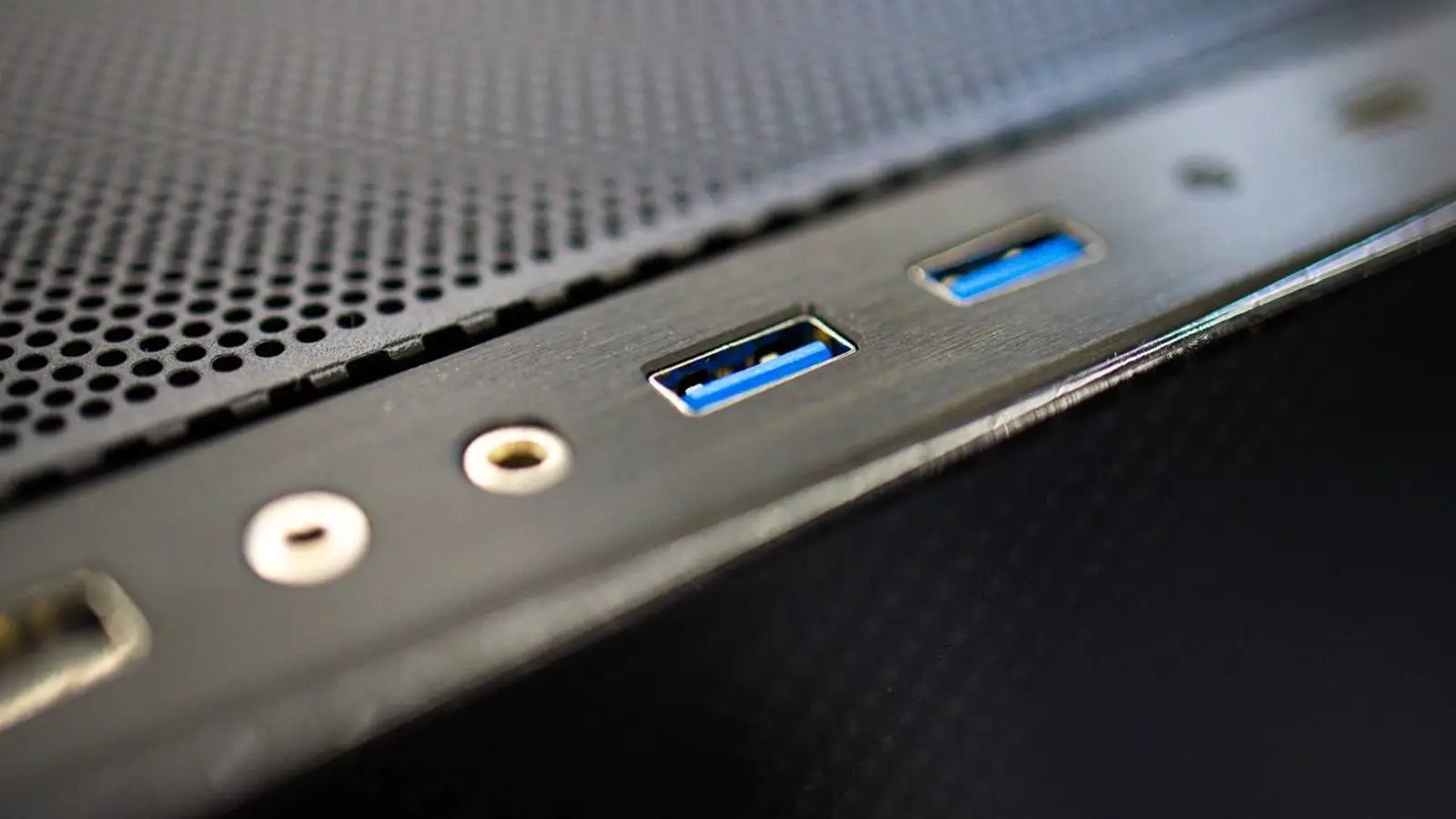
USB ports look almost identical, yet the difference between USB 2.0 and USB 3.0 can be dramatic. A mouse or keyboard will work well on either standard, while an external SSD, fast flash drive, capture card or 4K webcam can lose much of its performance on an older port.
How to tell USB 2.0 from USB 3.0
The plastic insert in a USB 2.0 Type-A port is often black or white, while USB 3.0 is commonly blue. This is only a clue: manufacturers may use other colors. A more reliable sign is the SS or SuperSpeed logo, or the port layout listed in the device specifications.
The main difference is speed
USB 2.0 has a theoretical limit of 480 Mbps, with real file transfers commonly around 20–40 MB/s. USB 3.0 reaches 5 Gbps, and a capable external drive can transfer several hundred megabytes per second. Actual speed still depends on the drive, controller, cable and files.
That gap is easy to notice when moving video, photos, backups or games. External SSDs, fast flash drives and storage docks should therefore use USB 3.0 or a newer port.
More bandwidth for demanding devices
High-resolution webcams, capture cards, audio interfaces and storage devices continuously move large amounts of data. A slow port can reduce image quality, frame rate or responsiveness, while USB 3.0 gives them more room to operate near their real capabilities.
There is also a power difference
Under standard conditions, USB 2.0 can provide up to 2.5 W, while USB 3.0 can provide up to 4.5 W. Charging ports and USB Power Delivery can supply more. If a device disconnects, another port may help, although the cable, hub or device itself may also be responsible.
Why USB 2.0 is still common
Mice, keyboards, printers and wireless receivers exchange little data, so USB 2.0 remains sufficient and inexpensive. Using older ports for simple peripherals also keeps faster ports free for storage and video equipment.
Compatibility works both ways
A USB 2.0 device works in a USB 3.0 port, but it does not become faster. A USB 3.0 device usually also works in a USB 2.0 port, yet its performance is limited by the older standard.
Bottom line
Connect data-heavy devices to USB 3.0 or newer. Leave USB 2.0 for controls and low-bandwidth peripherals. This simple split delivers speed where it matters without wasting faster ports.