
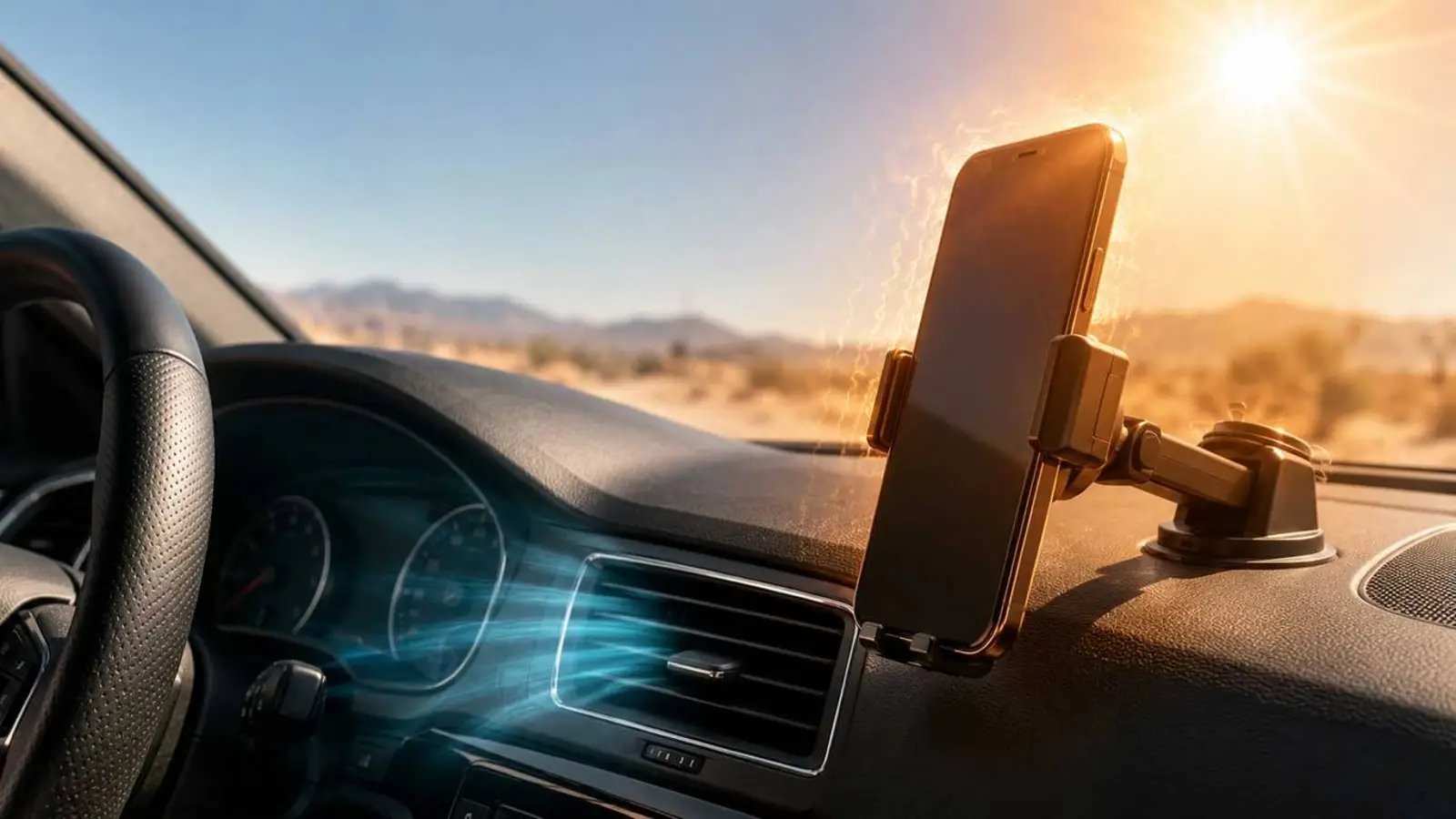
After a long drive, a phone in a dashboard mount can become uncomfortably hot. A car is one of the worst places for a smartphone in hot weather. Heat builds up inside the cabin, sunlight passes through the glass, the dashboard heats up, and the phone may be running navigation, music and charging at the same time.
The device is heated from outside by the cabin and from inside by its own components. It may reduce brightness and performance, slow or stop charging, restrict features or show a temperature warning. Repeated overheating accelerates battery wear and may damage internal components.
Why a phone heats up so quickly in a car
A parked or sunlit car behaves like a small greenhouse. The dashboard, windscreen and phone holder can all become very hot. A mount near the windscreen is especially risky because the screen and case receive direct sunlight while the dashboard adds heat from below.
Charging increases the load. Wireless charging usually produces more waste heat than a cable, while navigation, GPS, mobile data and high brightness keep the processor and display busy.
Keep the phone out of direct sunlight
Move the device into shade: a centre-console compartment, door pocket, cup holder or bag. For navigation, place the mount lower or near a vent so the phone is not exposed to direct rays.
Use cooling carefully
A vent-mounted holder can help if it does not obstruct driving controls. Use a moderate flow of cool air. Do not cool an overheated phone abruptly with ice-cold air, a refrigerator or a freezer, because a sharp temperature change may cause condensation.
Reduce heat from the case, screen and charging
A thick case can slow heat dissipation, so it may help to remove it during a hot trip when the phone is securely mounted. Lower screen brightness, use dark mode on OLED displays, close demanding apps and keep only the wireless functions needed for the drive.
Avoid charging when the battery level is sufficient. If charging is necessary, a cable is usually preferable to a wireless pad because it is more efficient and often creates less excess heat.
Do not leave the phone in a parked car
A closed cabin can heat up very quickly. Take the smartphone with you when leaving the vehicle. This protects the battery and electronics and also reduces the risk of theft.
What to do if the phone is already overheated
Remove it from the sun, disconnect the charger, take off the case and close demanding applications. If it is extremely hot, switch it off and place it in a shaded, well-ventilated location.
Let the smartphone cool naturally. Do not pour water on it, even if it has an IP68 rating. Wait until the temperature warning disappears before using or charging it again.
A safer navigation setup
The best setup combines a shaded or vent-adjacent mount, moderate brightness, wired charging only when needed and no thick case in extreme heat. CarPlay or Android Auto can move navigation to the car display while the phone stays in a cooler place.
Conclusion
Overheating usually comes from several factors acting together: sunlight, a hot cabin, charging, navigation, high brightness and an insulating case. Preventing this combination is easier than dealing with a damaged battery later.